
WordPress Malware Removal

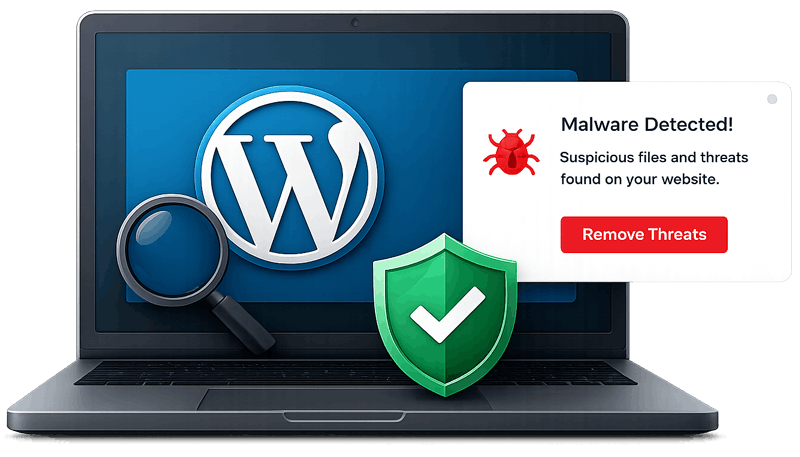
We detect, clean, and remove all types of malware, viruses and malicious threats from your WordPress website.
WordPress Malware Removal

Professional WordPress Malware Removal Service

If your WordPress website has been hacked, infected with malware, or flagged by Google, our professional WordPress malware removal service can help. We identify malicious code, backdoors, spam injections, phishing pages, and infected files, then completely remove them from your website.
Malware Removal

Our experts perform a full security audit to locate the source of the infection and secure your website against future attacks. Whether your site is displaying malware warnings, redirecting visitors, or experiencing unusual behavior, we provide fast and reliable malware cleanup solutions.

Signs Your WordPress Website Has Malware

If you experience any of these issues, immediate malware removal is recommended.

OUR REMOVAL PROCESS

Our 6-Step WordPress Malware Removal Process

Speed and SEO optimization icon
1. Website Scan & Analysis

We perform a deep scan to detect malware, suspicious code and vulnerabilities.
Cleanup & Repair
2. Malware Detection

We identify malicious files, malicious scripts, spam code and backdoors.

Safe Cleaning
3. Malware Removal

We safely remove all malware, infected files and malicious code.
Security Protection
4. Website Cleanup

We clean your database, core files and remove unnecessary scripts.
Safe and secure website icon
5. Security Hardening

We fix vulnerabilities and strengthen your website security.

Full website development icon
6. Final Scan & Report

We re-scan your website and provide a full cleanup report.

WHY CHOOSE US

Why Choose Our WordPress Malware Removal Service

Malware Removal
100% Safe & Secure

We follow industry best practices.

Fast Turnaround
Fast Turnaround

Most websites cleaned within a few hours.
100% Safe Cleaning
30 Days Guarantee

We ensure your site stays clean and secure.

Malware Removal
24/7 Dedicated Support

We're always here when you need us.

WHAT'S INCLUDED

What Our WordPress Malware Removal Service Includes

Types of Malware We Remove

Every infection is different, so we check for all of the common WordPress malware families, not just the one you noticed first:

  • Backdoors and PHP web shells hidden in themes, plugins and uploads
  • SEO spam, including the Japanese keyword hack and pharma spam pages
  • Malicious redirects to scam, adult or gambling websites
  • Fake CAPTCHA and fake browser update pop-ups
  • Phishing pages and hidden spam directories
  • Credit card skimmers and crypto-mining scripts
  • Hidden administrator accounts created by attackers

Where We Look for Infections

Malware rarely lives in just one file. A proper cleanup checks every place an attacker can hide code:

  • WordPress core files, compared against the official versions
  • Plugin and theme files, including inactive and nulled ones
  • The uploads folder, where PHP files should never exist
  • .htaccess, wp-config.php and server configuration files
  • Database tables such as wp_options, wp_posts and wp_users
  • Scheduled tasks (cron jobs) that reinstall malware
  • User accounts, roles and application passwords

After the Cleanup: Keeping Your Website Clean

Removing the malware is only half of the job. If the hole the attacker used stays open, the infection usually comes back within days. That is why every WordPress malware removal we do ends with security hardening: we update WordPress core, plugins and themes, remove abandoned or nulled plugins, reset passwords and security keys, fix file permissions and remove unknown admin users. We then run a final scan and send you a cleanup report that explains what we found and what we fixed.

DIY Cleanup vs. Professional Malware Removal

Security plugins can detect some infections, but they often miss obfuscated code, database injections and backdoors that reinstall the malware. Deleting the wrong file can also break your website. If you are comfortable working with files and databases, our step-by-step WordPress malware removal guide explains the process. If you want it done safely and quickly, our team handles everything for you, and most websites are cleaned within a few hours.

Related Services

If Google is already showing a warning for your site, see our Google blacklist removal service. For online stores we offer a dedicated WooCommerce malware cleanup, and if your site is down right now, use our emergency malware removal service. To keep your site protected after the cleanup, take a look at our WordPress monthly maintenance plans.

FREQUENTLY ASKED QUESTIONS

WordPress Malware Removal & Security FAQ

What is malware and how does it affect my website?
Malware is harmful code that can damage your website, steal data, slow performance, and trigger Google security warnings.
Common signs include spam popups, redirects, slow loading, hacked pages, or Google Safe Browsing warnings.
No, we safely remove malware while keeping your website files, content, and database protected.
Most WordPress malware cleanup services are completed within a few hours to 24 hours depending on the infection level.
Yes, we provide professional malware removal and security protection to help keep your website safe and clean.
Need Help? We're Here!

If your website is hacked or showing malware warnings, don’t panic. Contact us now and we will clean it for you.